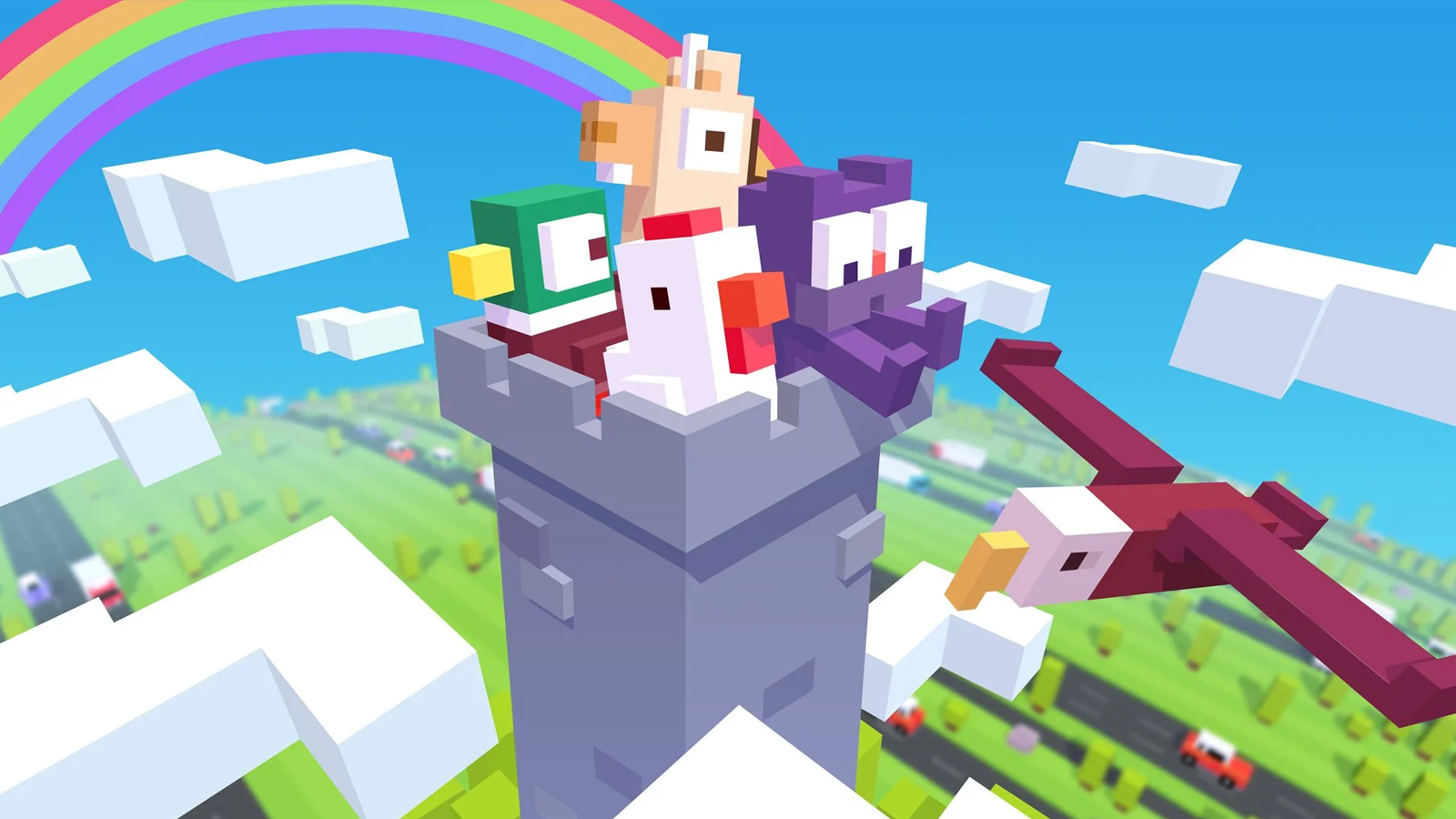
When I joined Hipster Whale in 2021 supporting "Crossy Road Castle" post-launch was my first major project, it was a great learning experience for me as it allowed me to learn about how to make a game look and feel "Crossy", while at the same time familiarizing myself with how Hipster Whale use Unity and it's UI tools.
"Crossy Road Castle" has a special place in my heart for many reasons, as we supported the game over the years I would continue to work on various new features.
While working on these features my responsibilities would include:
• Drafting wireframes and UX flows for these features while working with designers and creative leads to iterate on these concepts
• Maintaining a "mobile-first" mindset to account for various screen sizes, orientations and control types
• Designing polished UI mockups that aligned with the existing UI art style
• Converting the polished mockups into responsive UI assets to be imported into Unity
• Polishing up UI layouts in Unity to ensure sizing, spacing and alignments were all spot-on
While I worked on various projects for "Crossy Road Castle" here are a few notable examples:
WEEKLY CHALLENGES
This was the first feature I cut my teeth on at Hipster Whale and the one that taught me a lot about Crossy Road and Hipster Whale itself.
This was the first feature I cut my teeth on at Hipster Whale and the one that taught me a lot about Crossy Road and Hipster Whale itself.
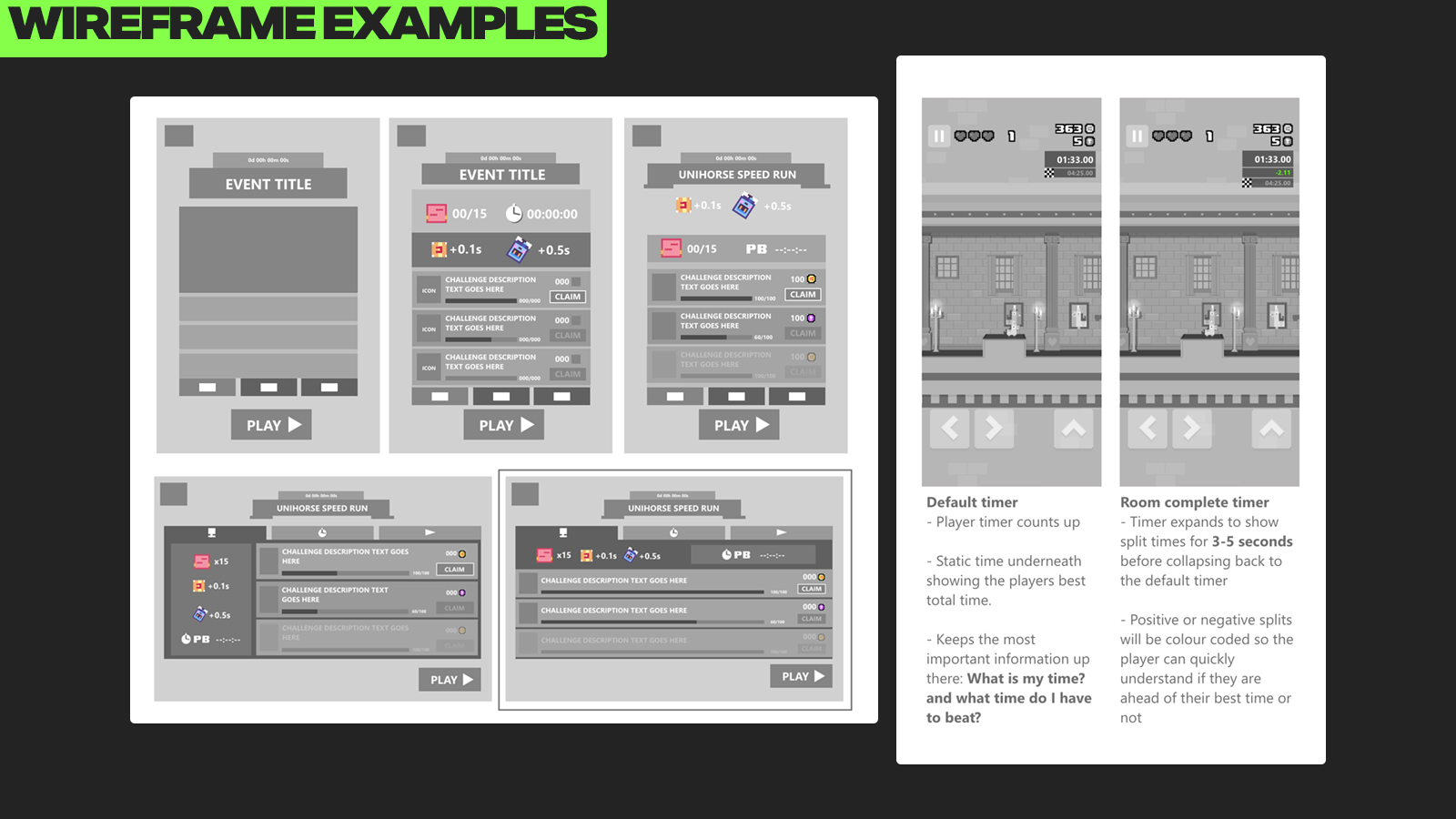
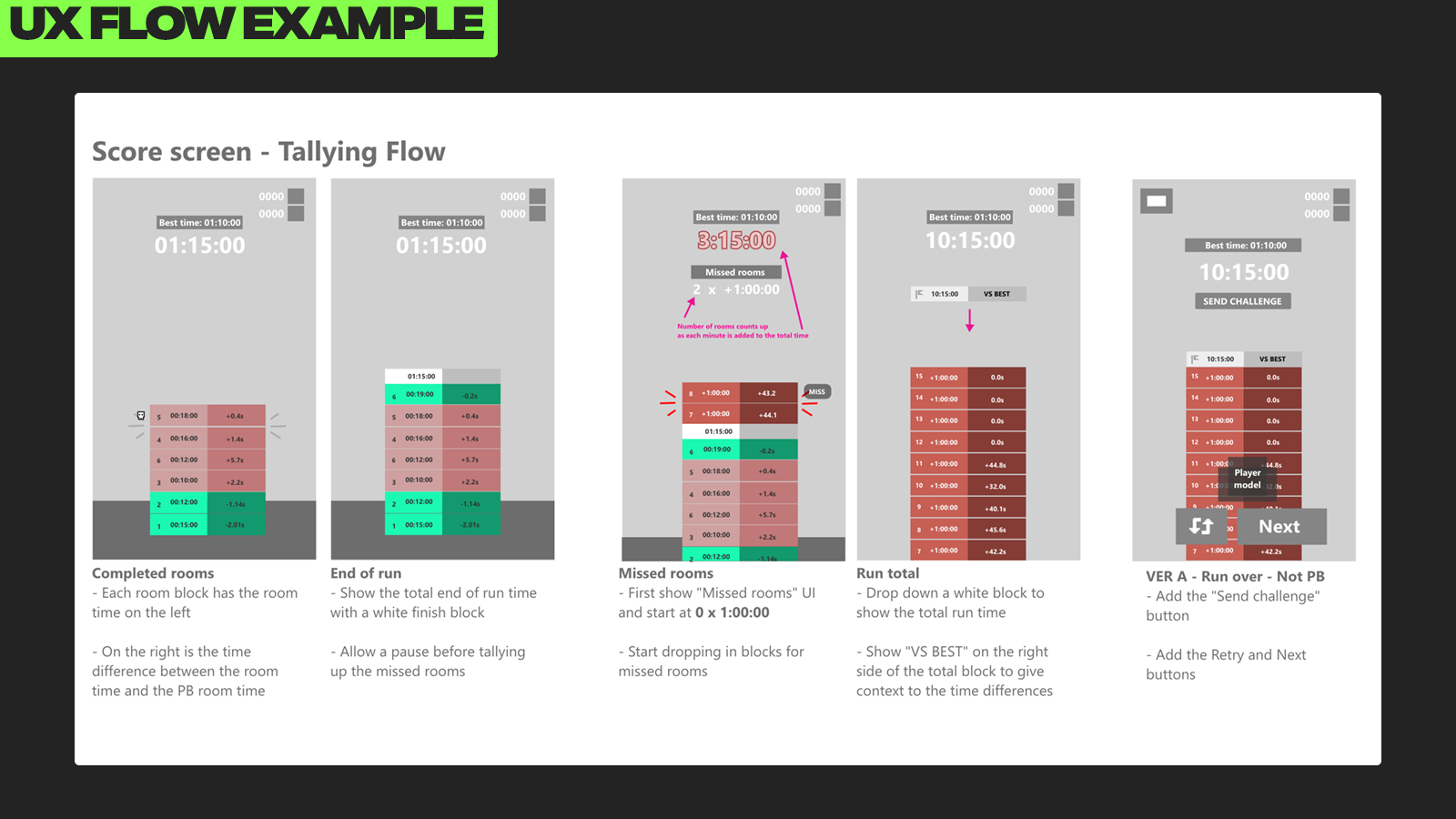
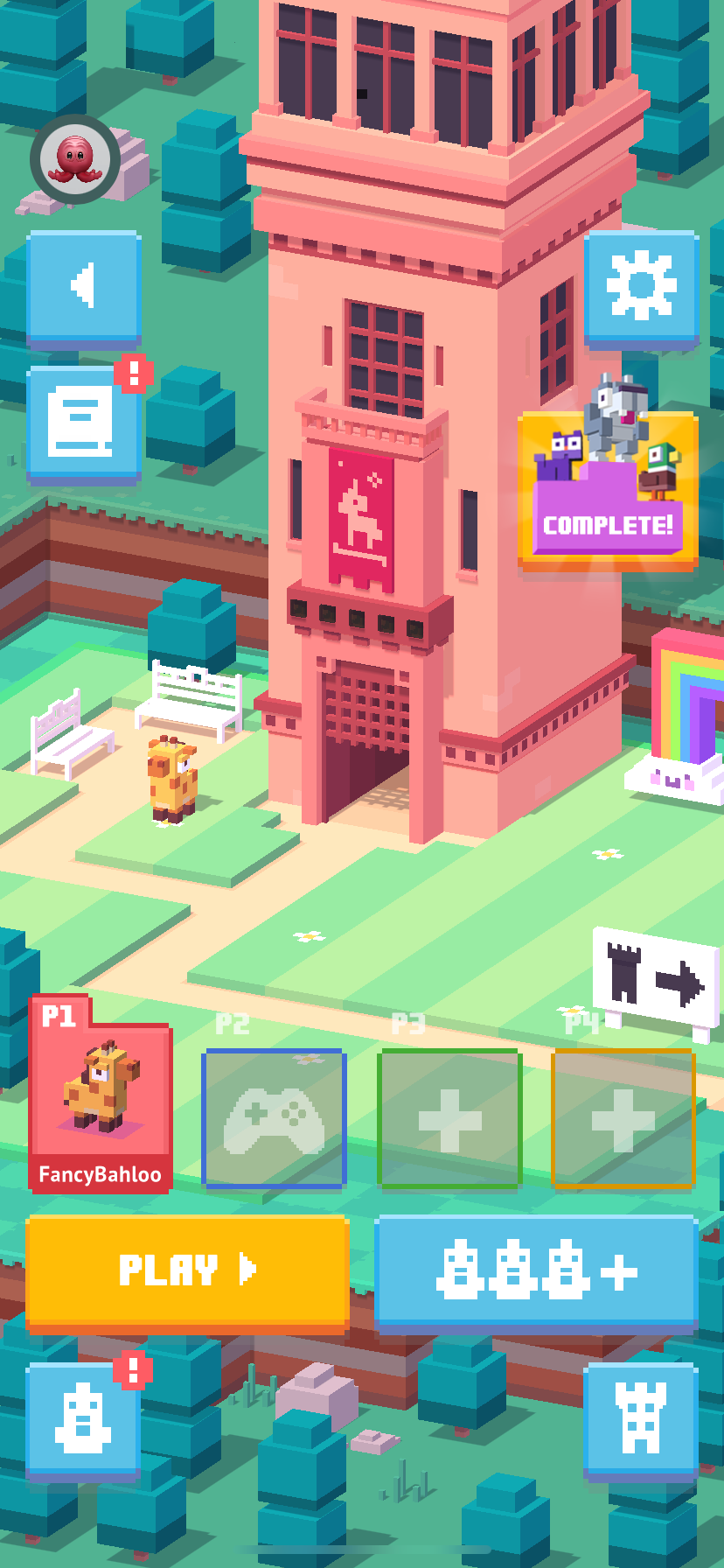
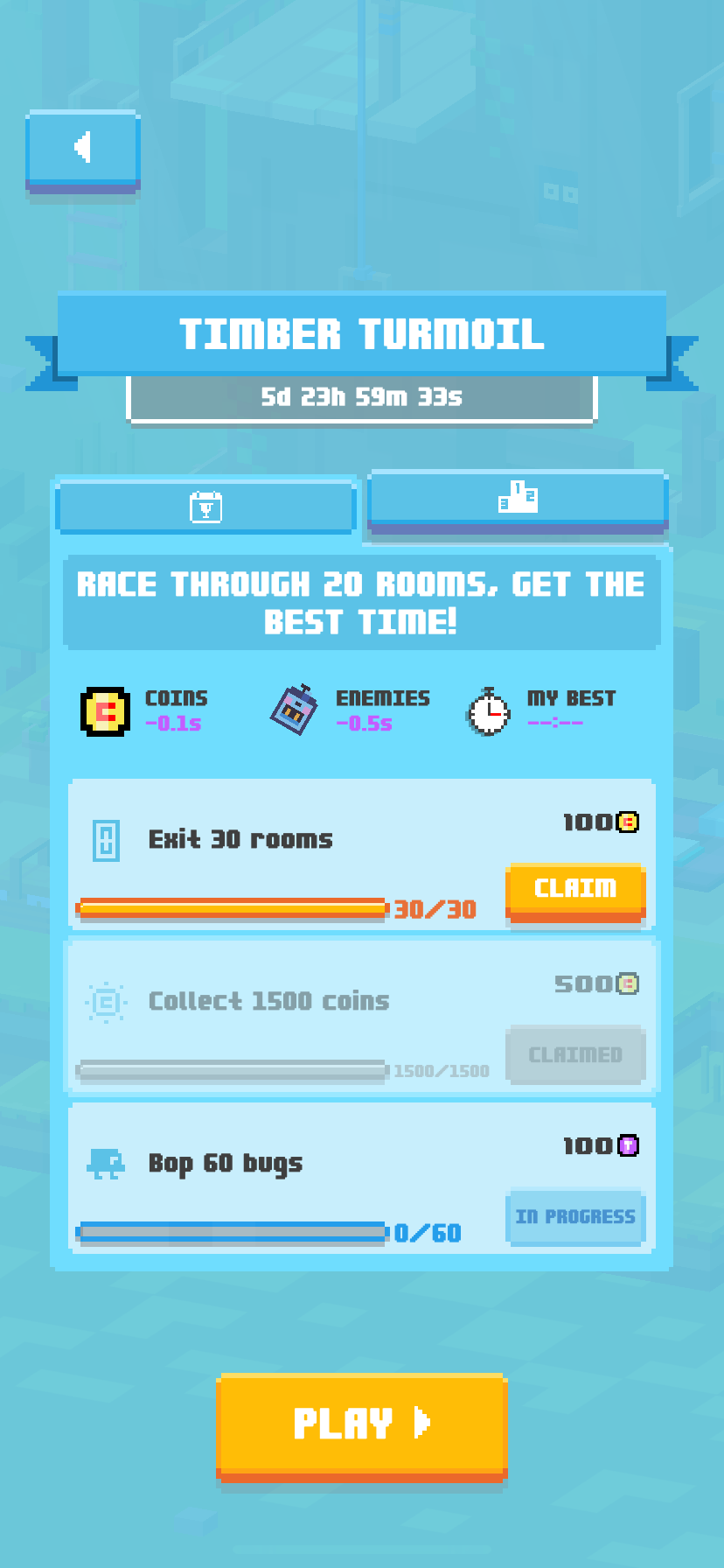
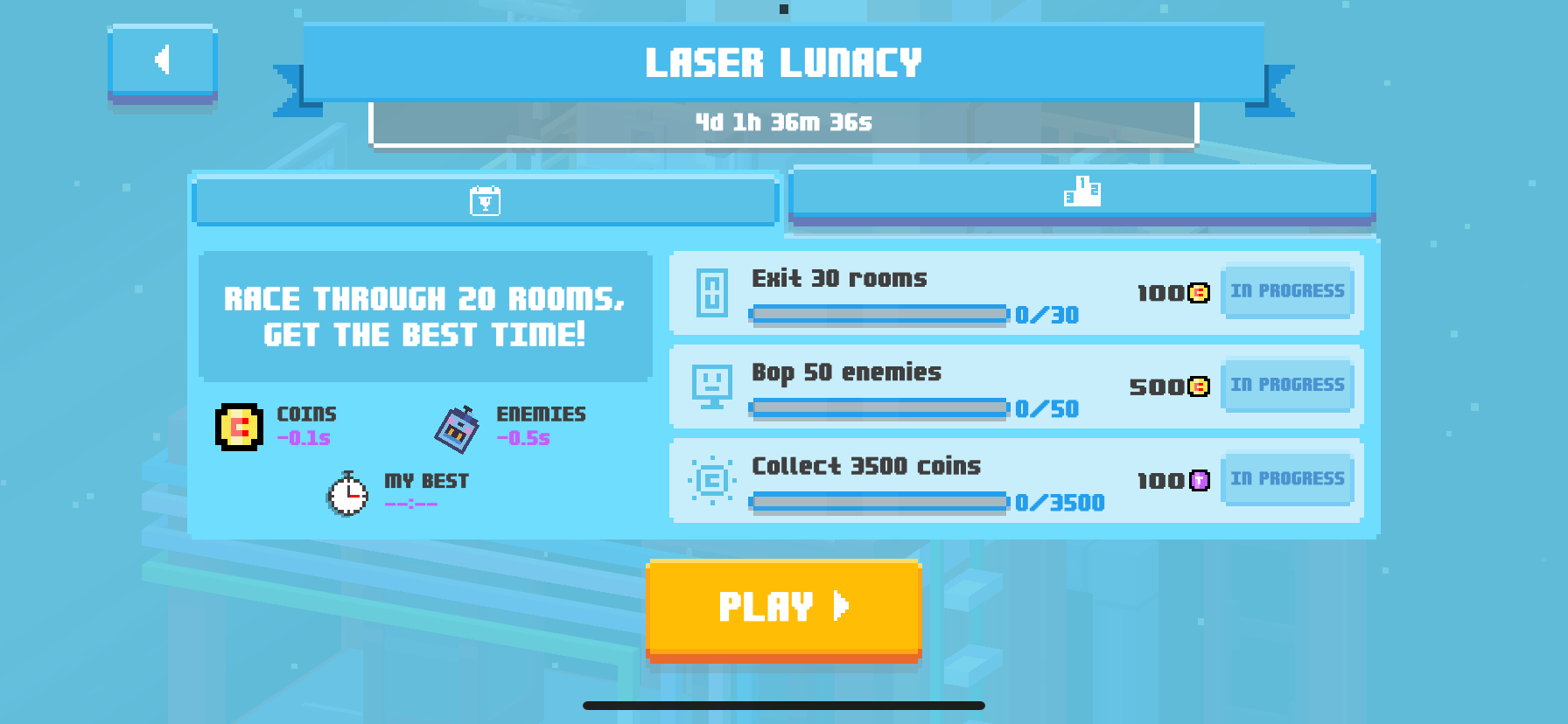
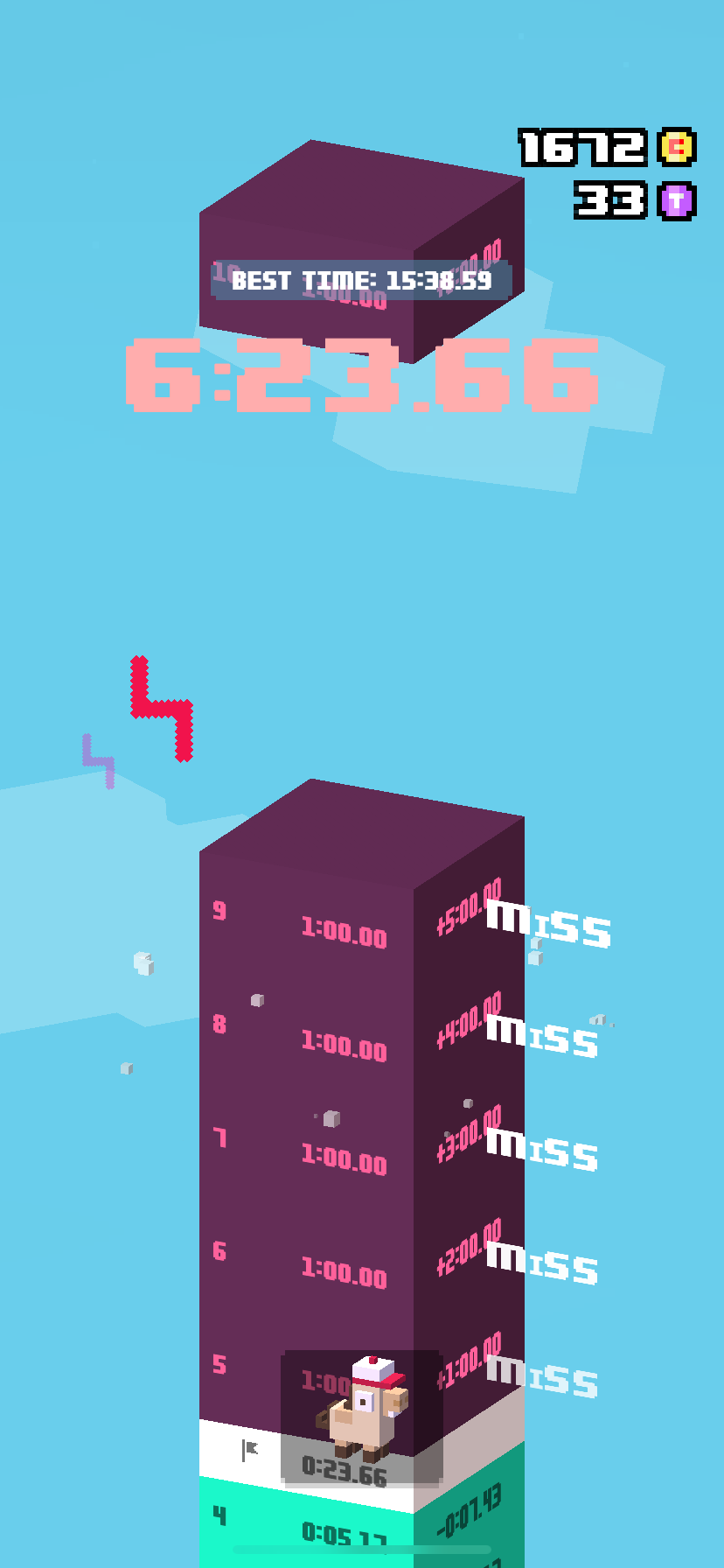
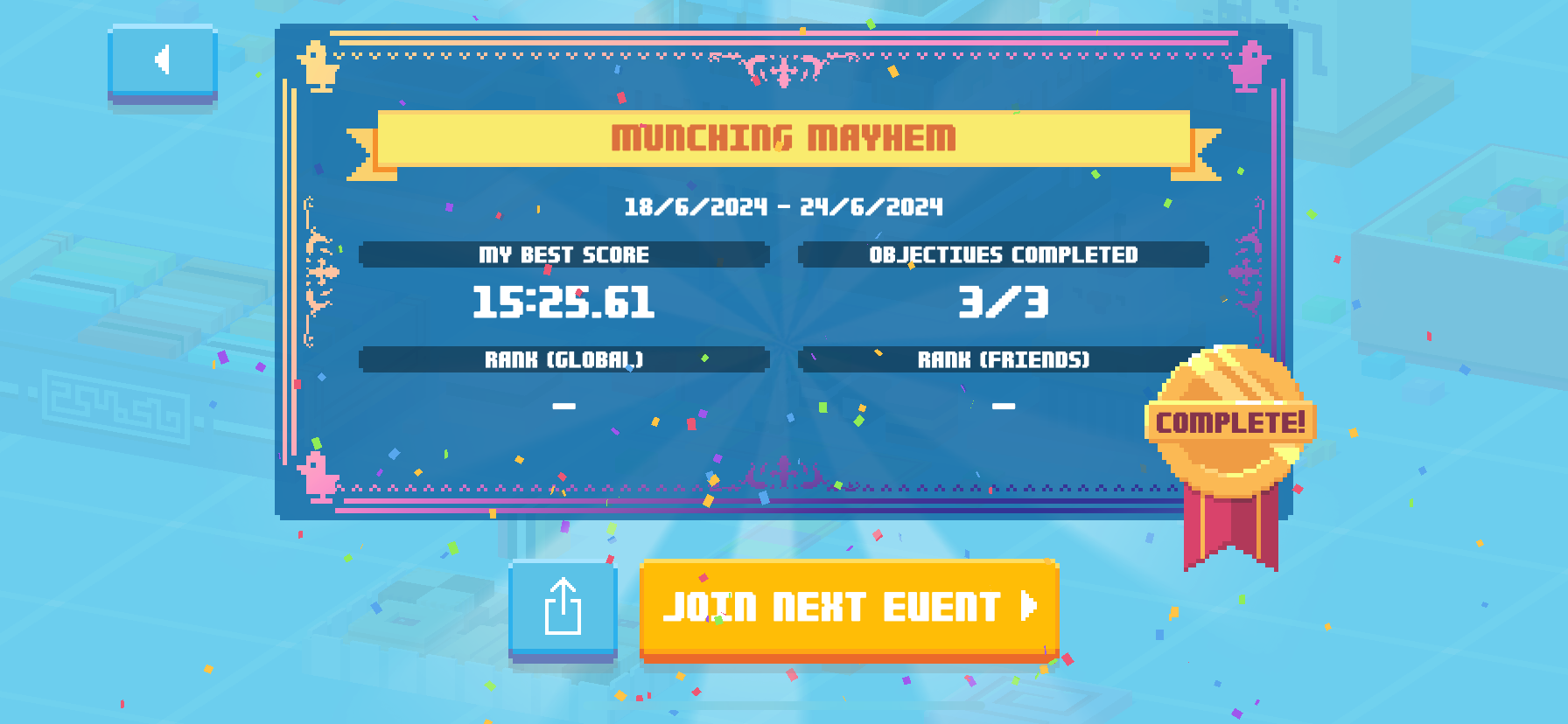
My task was to incorporate a frequently updating "Weekly Challenges" game mode into the existing UI layout, and design a UX flow that would make sense to the player.
This included laying out and designing the "Weekly Challenges" menu screen, new HUD elements and the game over/results screens for this new game mode.
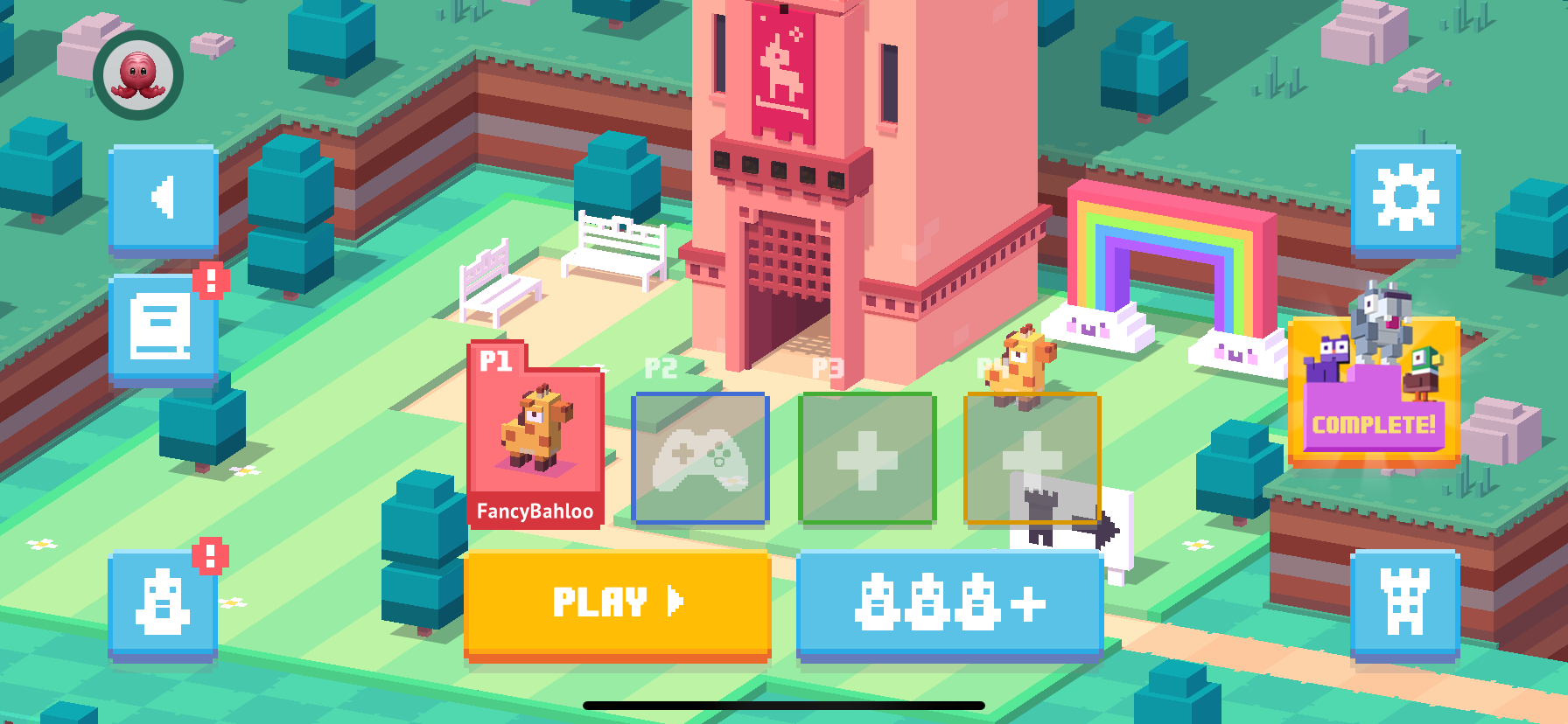
One of the most challenging parts of the project was designing the "Weekly Challenges" menu screen to be fully responsive across all screen sizes and orientations. Determining what information was most important to the player and making it all work on every device took a lot of thinking and several iterations to get just right.
STICKER BOOK
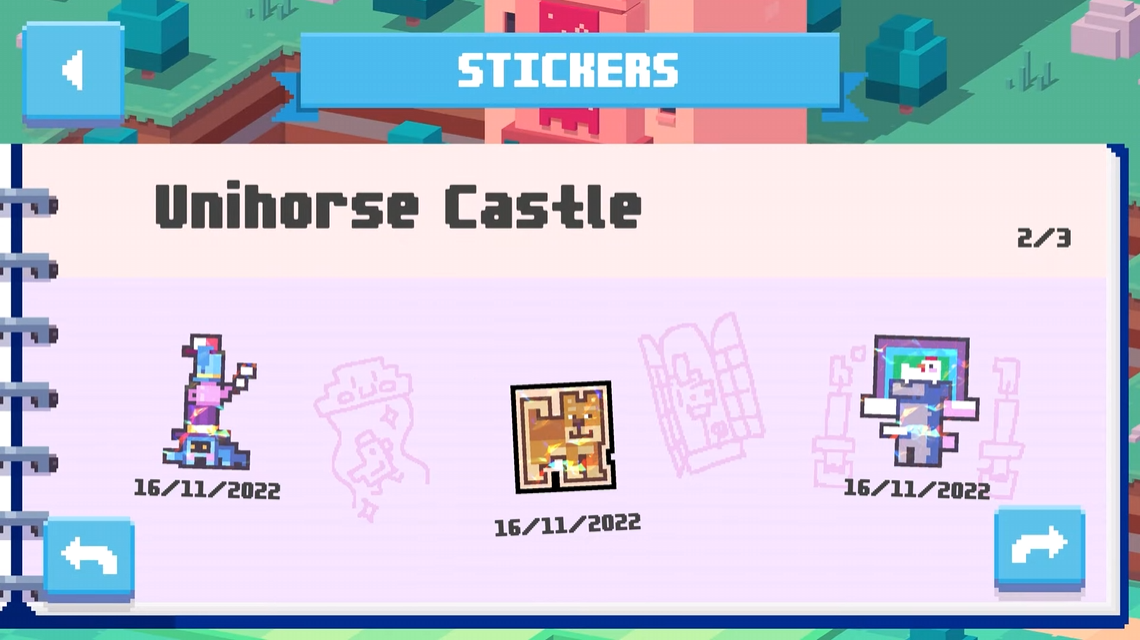
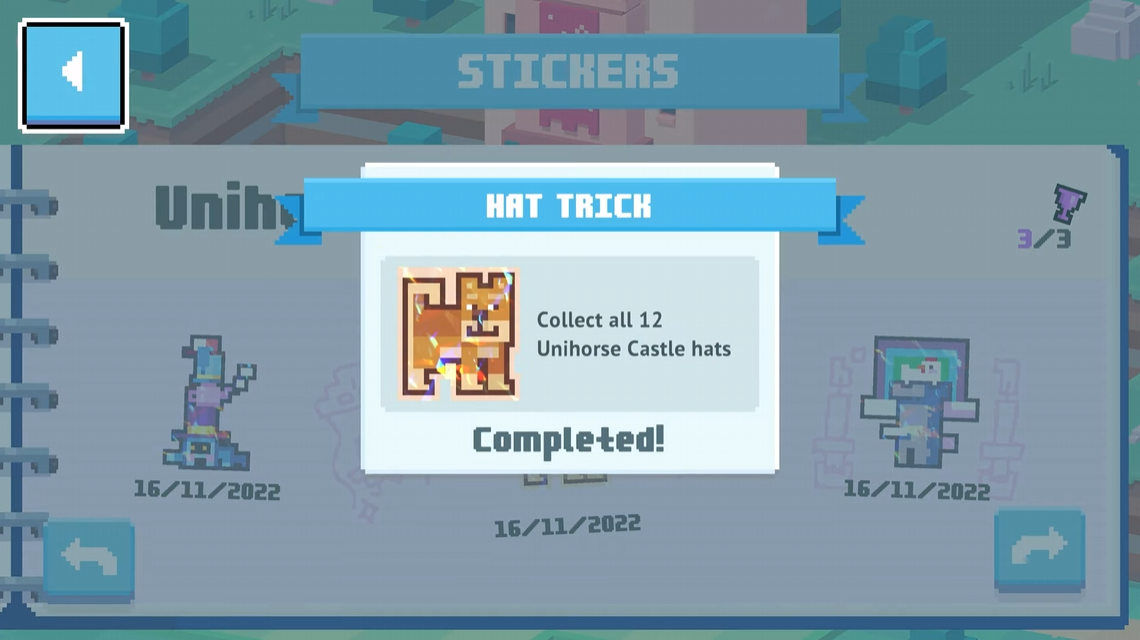
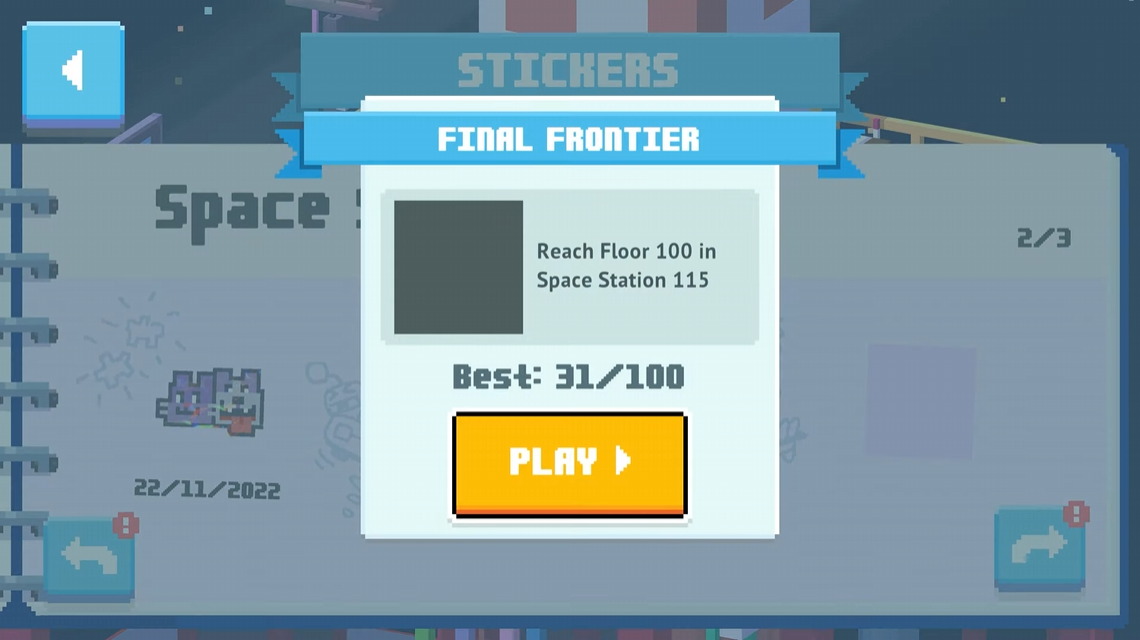
The Sticker Book was a feature we added to "Crossy Road Castle" with the goal of incorporating an achievement-style progression system to the game to extend the game's longevity and give players more to do.
The Sticker Book was a feature we added to "Crossy Road Castle" with the goal of incorporating an achievement-style progression system to the game to extend the game's longevity and give players more to do.
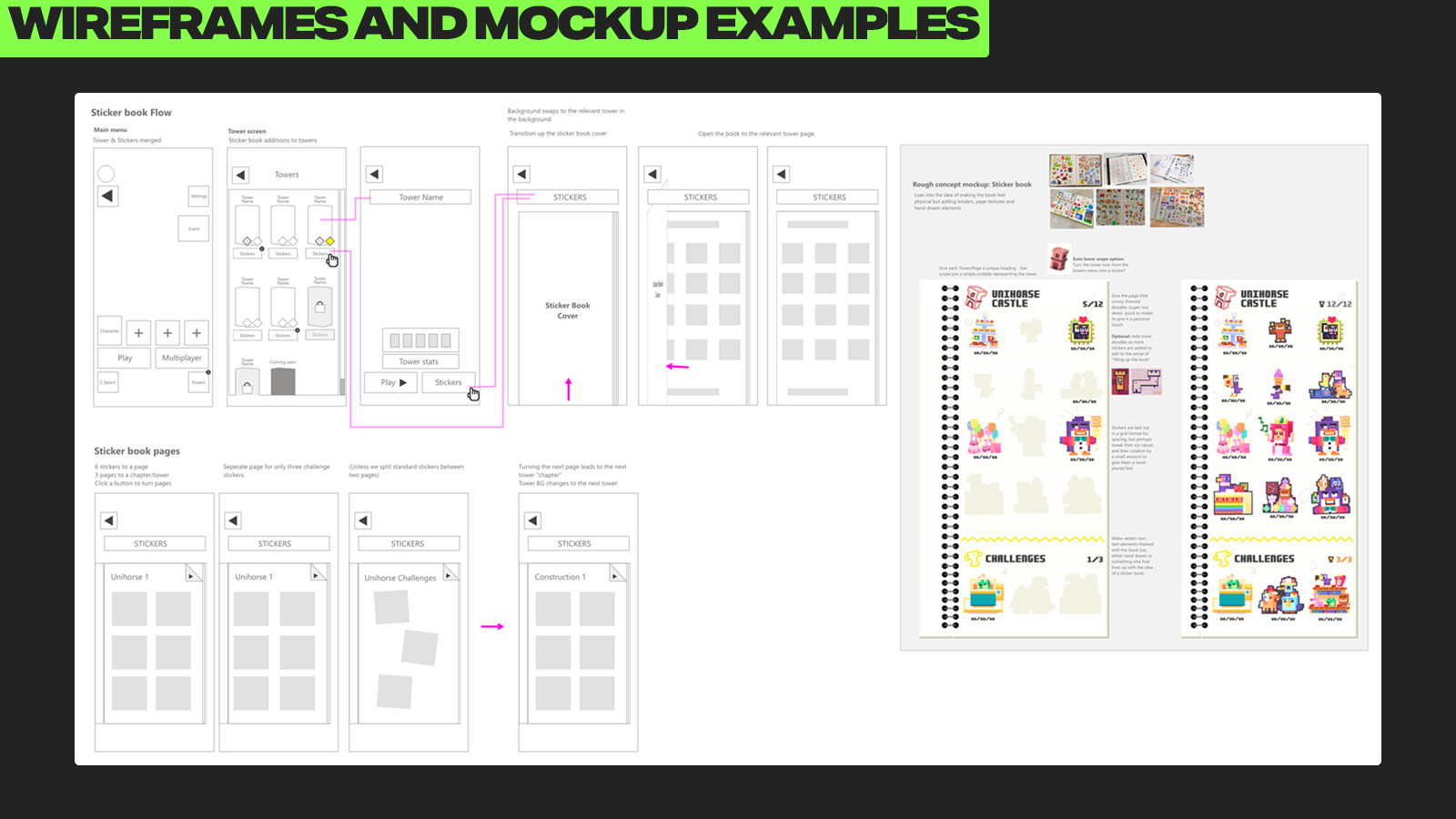
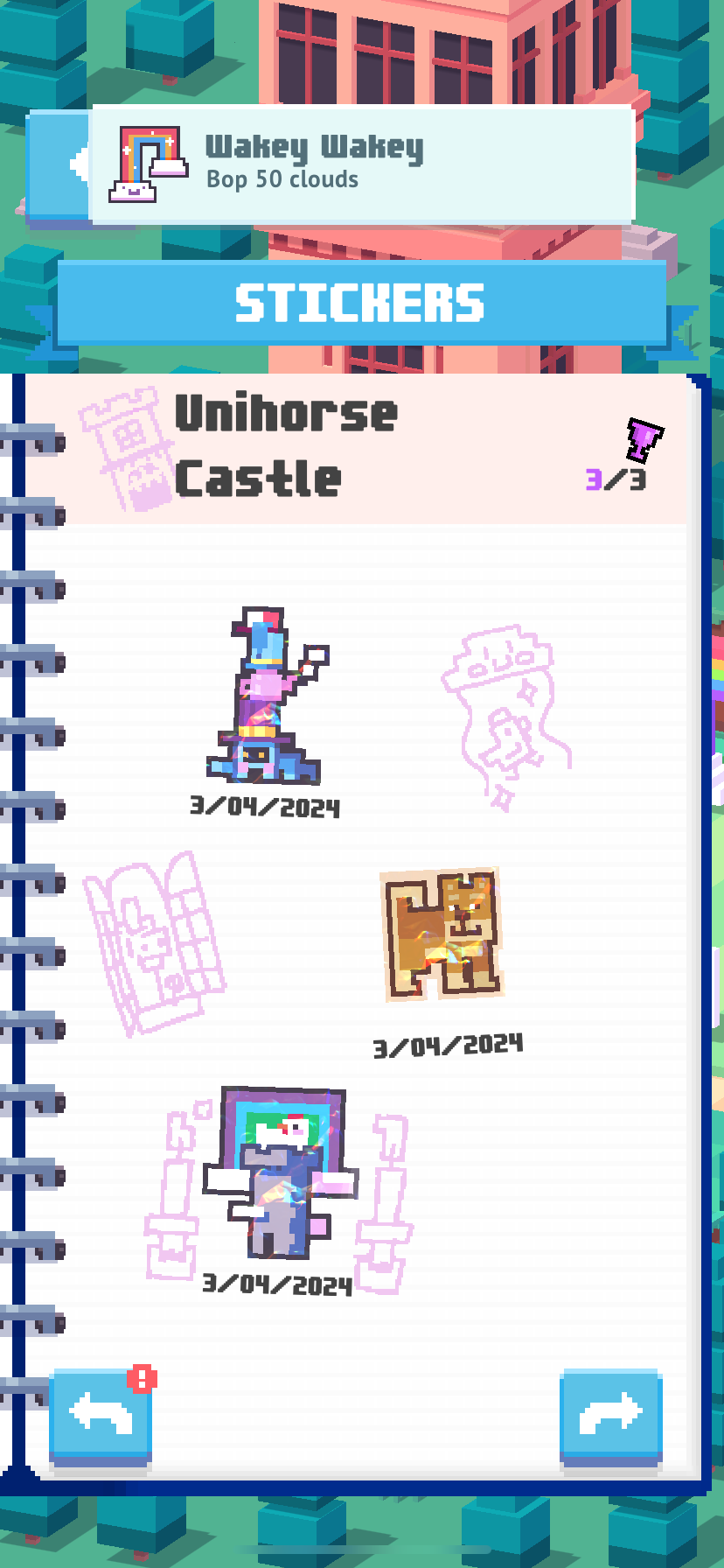
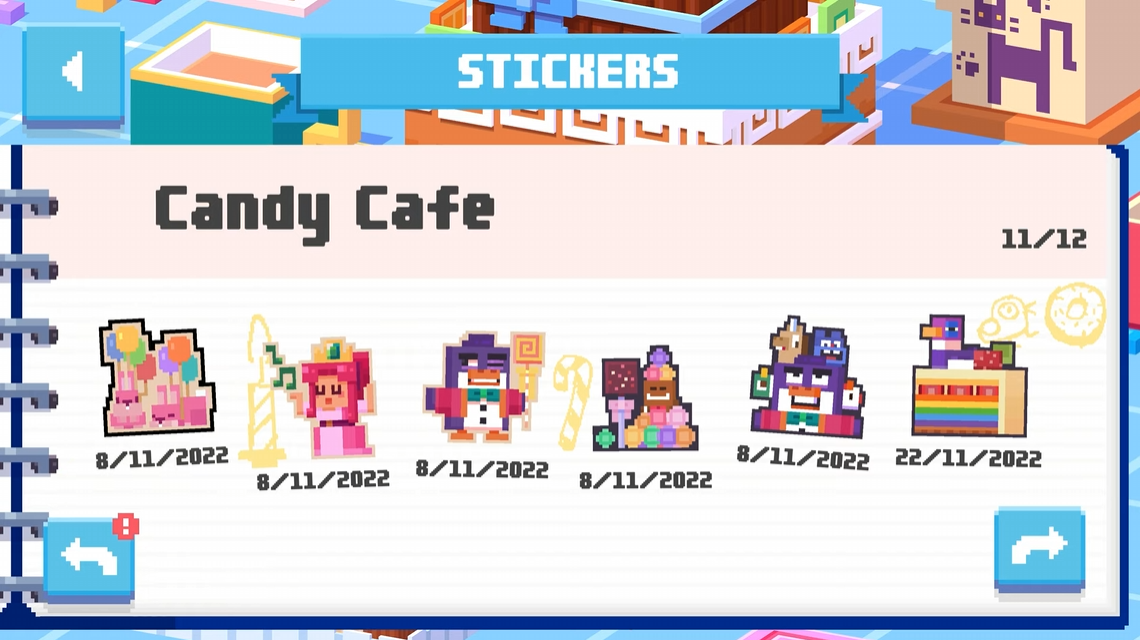
We decided to present the achievement system as a sticker book, with each achievement represented as a unique sticker that players could collect, giving players a feeling of building a collection while unlocking the achievements.
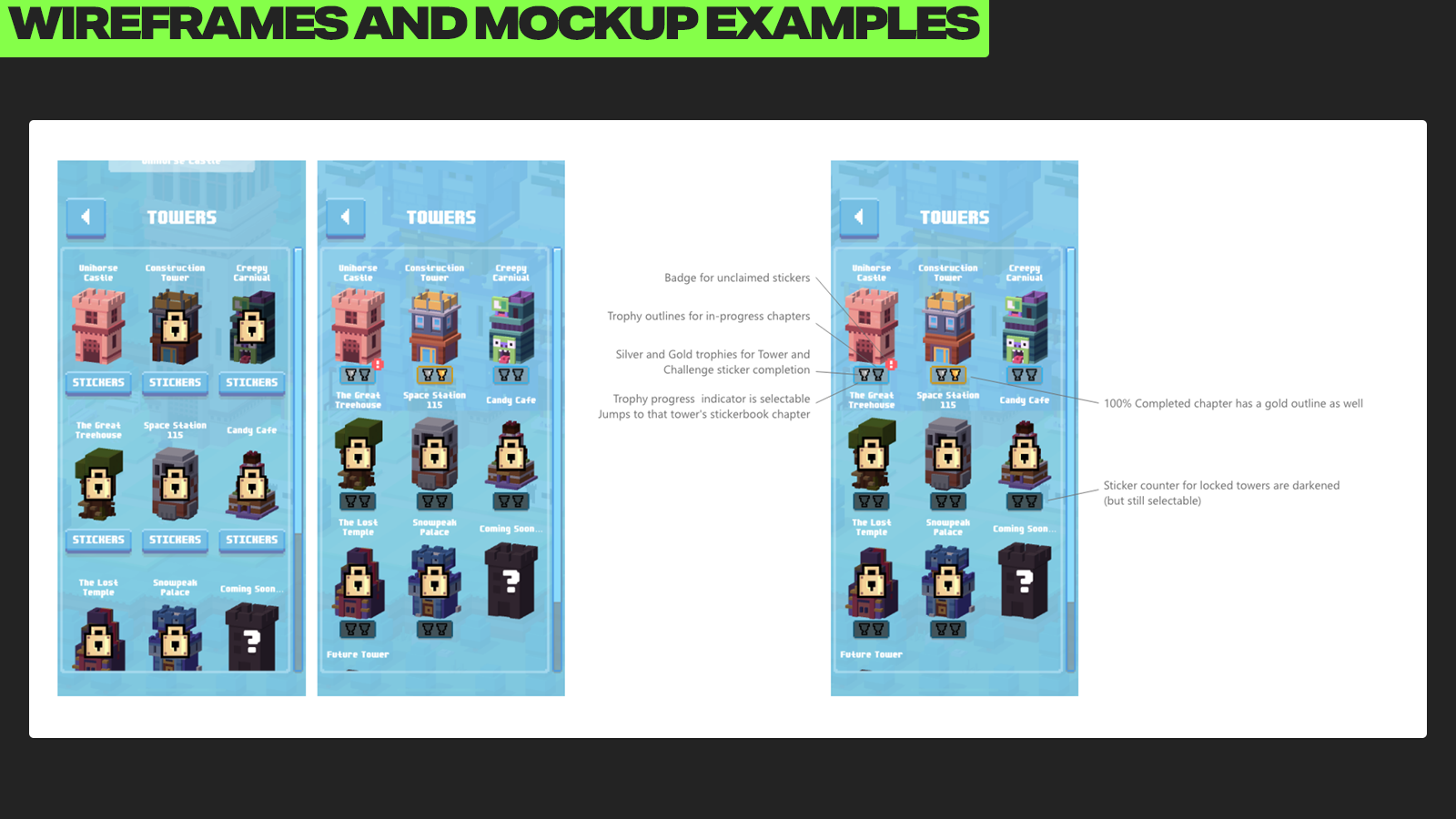
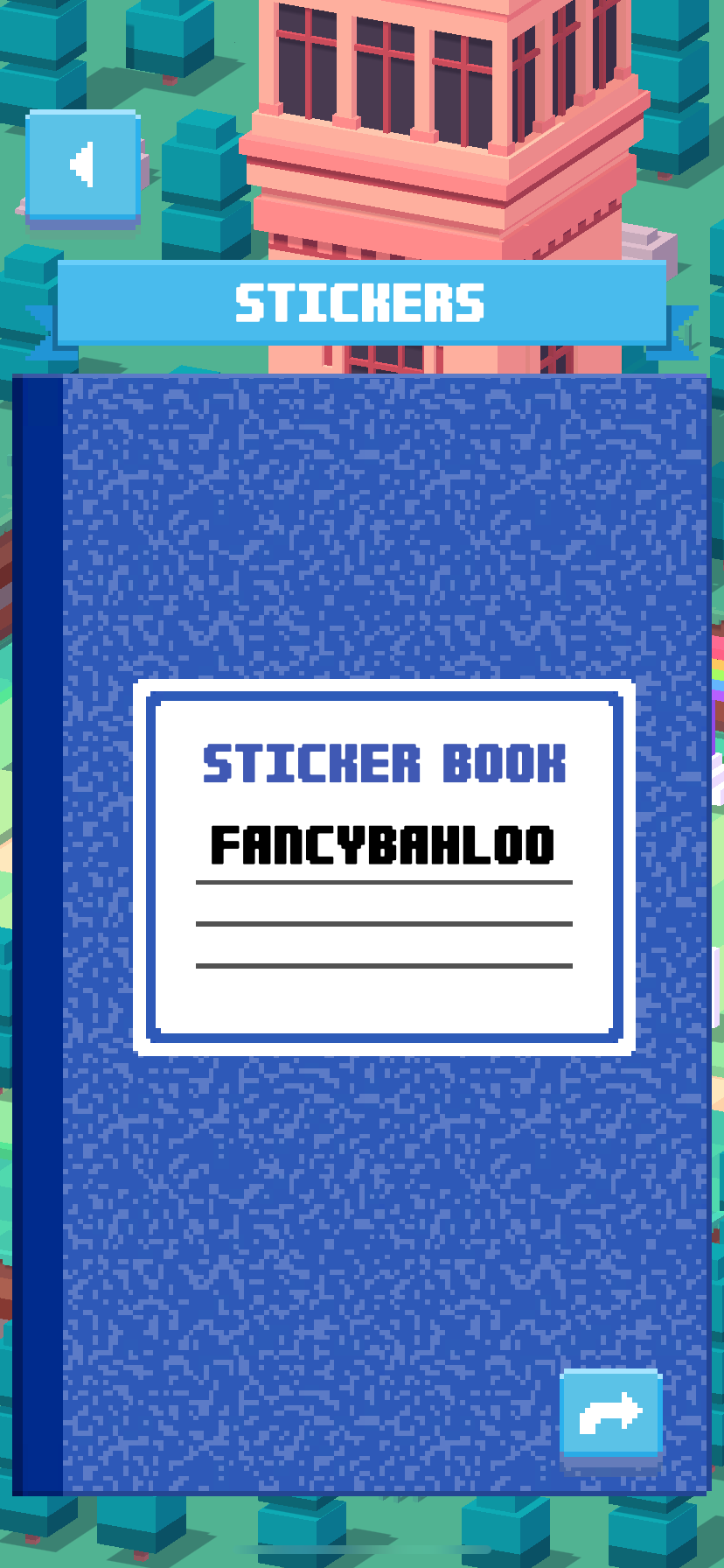
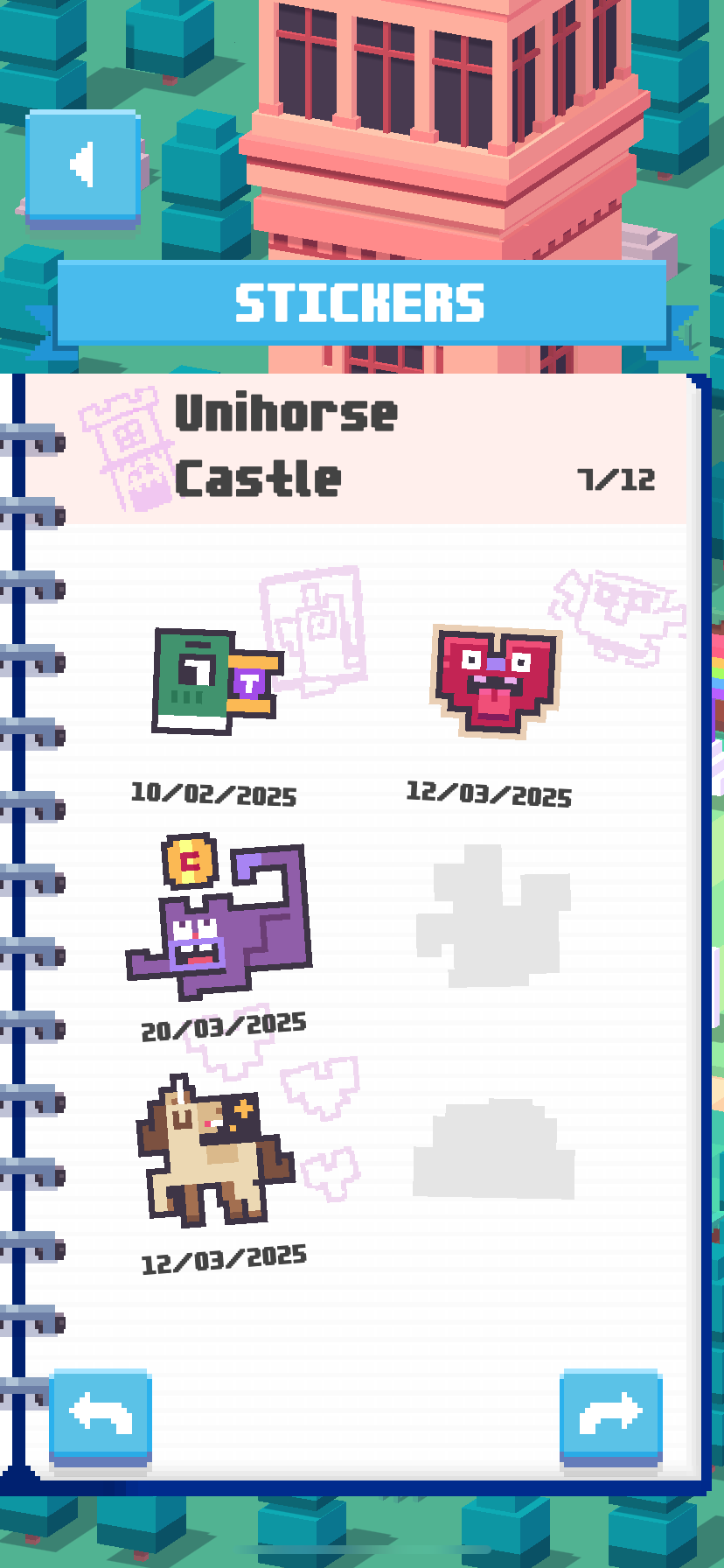
First I wireframed the designed the sticker book to make sure it worked as a responsive layout, then I mocked up a design to show the book as a classic schoolyard notebook while still maintaining the "Crossy" pixel art style before turning that into assets to be imported into Unity.
One small detail that I love is how the book fills up little sketches and doodles as the player unlocks more achievements. The intent was to evoke the feeling of a real sketchbook that feels worn and loved over time, just one example of how we liked to add as much playfulness to the game as we could.
Note: I did not design the stickers themselves, but I wanted to shout-out the studio's artists Leonie and Kevyn who designed stickers for every single achievement, the sticker designs are so charming and exude so much character that they deserve extra attention.
VISION PRO PORT
In 2024 I worked on a port of "Crossy Road Castle" for Apple's augmented reality headset, the Vision Pro.
In 2024 I worked on a port of "Crossy Road Castle" for Apple's augmented reality headset, the Vision Pro.
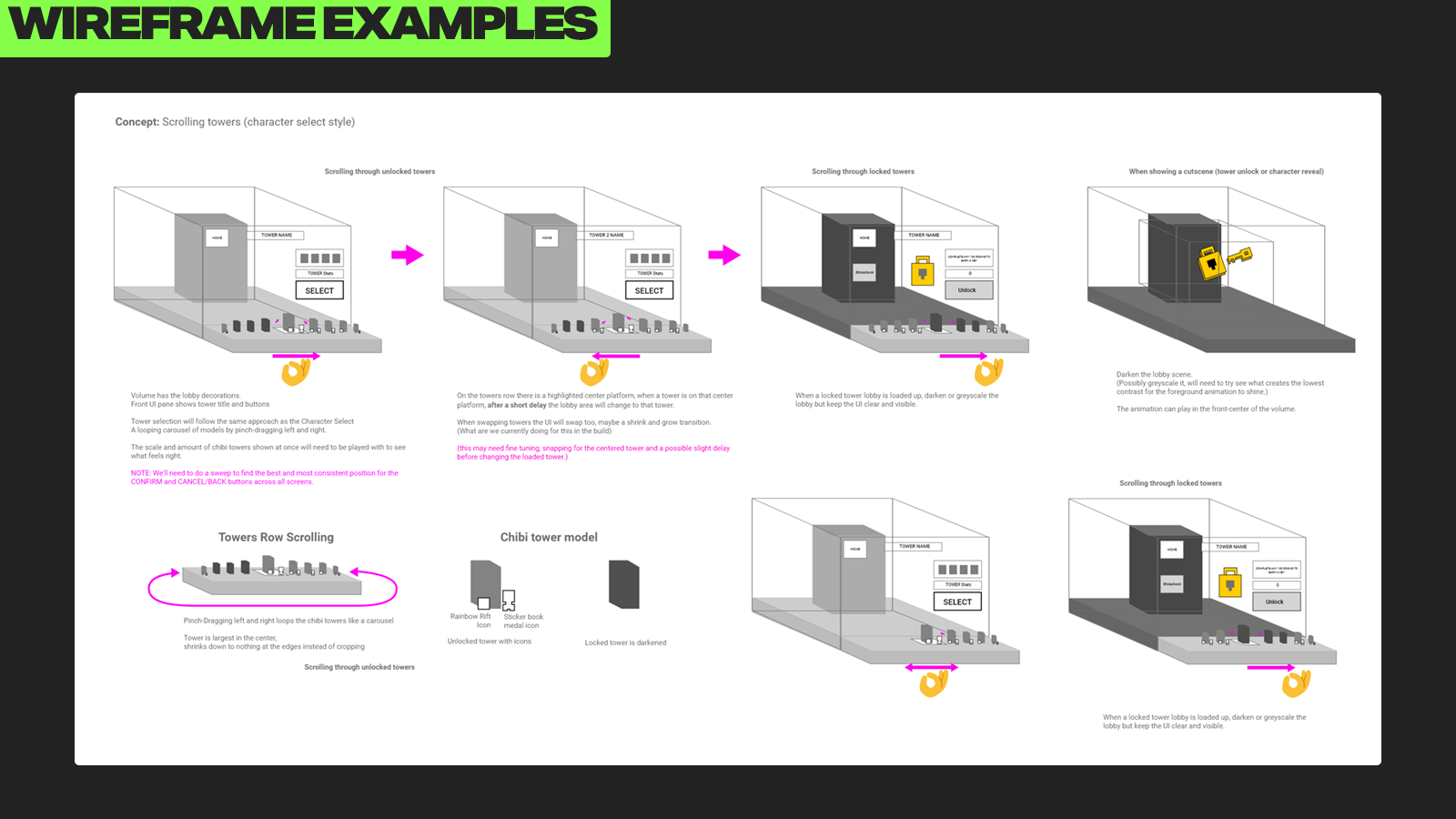
My task was to familiarize myself with the Vision Pro and see what changes to the UX and UI of "Crossy Road Castle" would need to be made to capitalize on the Vision Pro's unique control style of eye-tracking and hand gestures.
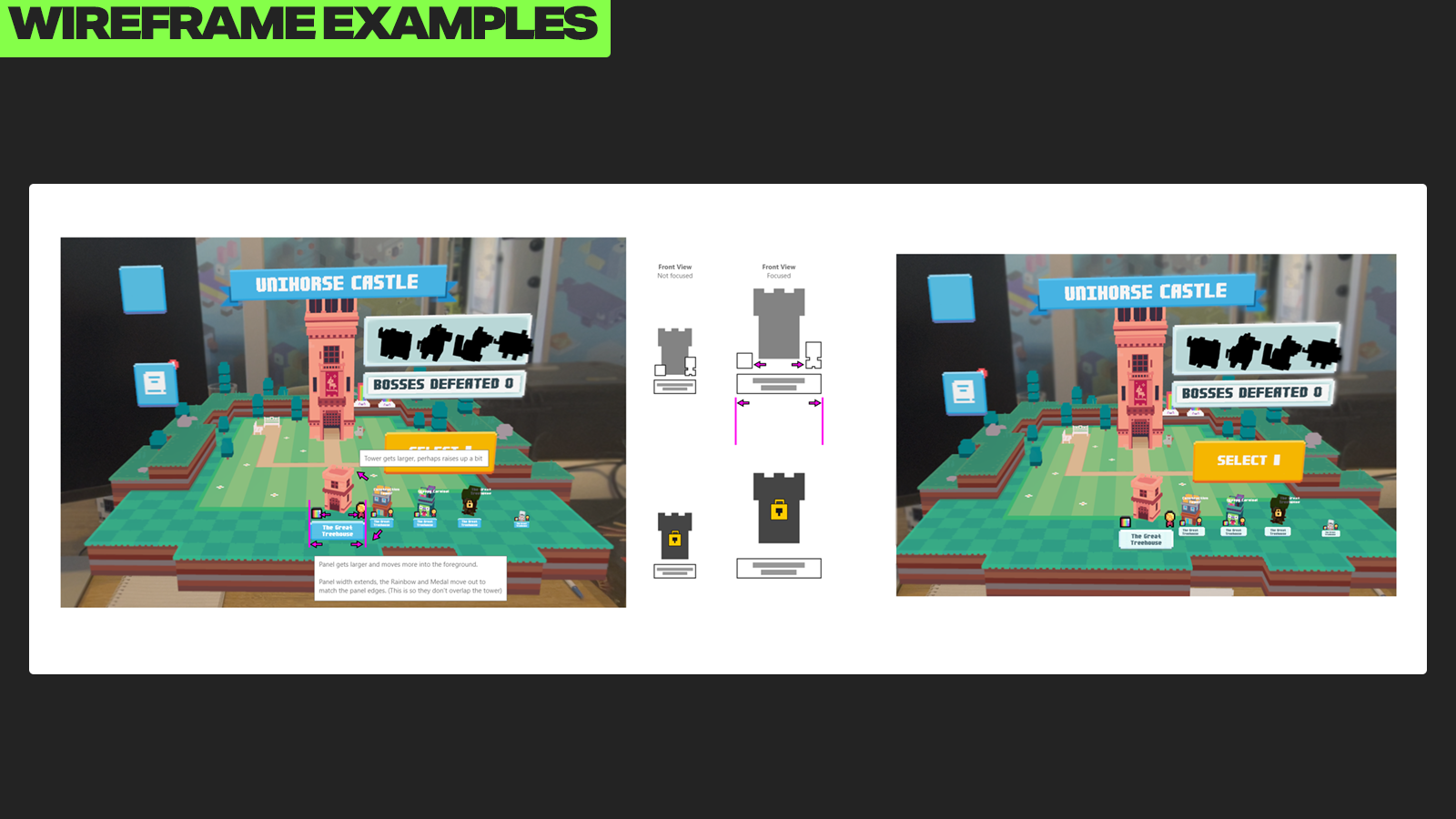
After taking some time familiarizing myself with the Vision Pro's features I went to work producing wireframes and layout mockups to provide new solutions for the main menu, character & tower select screens, as well as the game over/results flow.
This project was a fun challenge to work on as we had to figure out how to translate an existing experience that was designed for controllers and touch screens into something that took advantage of the Vision Pro's features in an intuitive way, while still feeling in line with the existing "Crossy" UI style.
On particular challenge was figuring out the layouts for the main menu screens, as the Vision Pro version of the game presented main menu's lobby as an augmented reality 3D volume that the player could see in front of them. To solve this we came up with the idea of creating a "foreground" space for the UI and it's 3D elements, so that there was a clear definition between the 3D volume of the lobby and the interactable UI elements.
While a challenging project it was a lot of fun to design for a Virtual and Augmented Reality platform and figure out UI/UX solutions for something brand new.